


Features
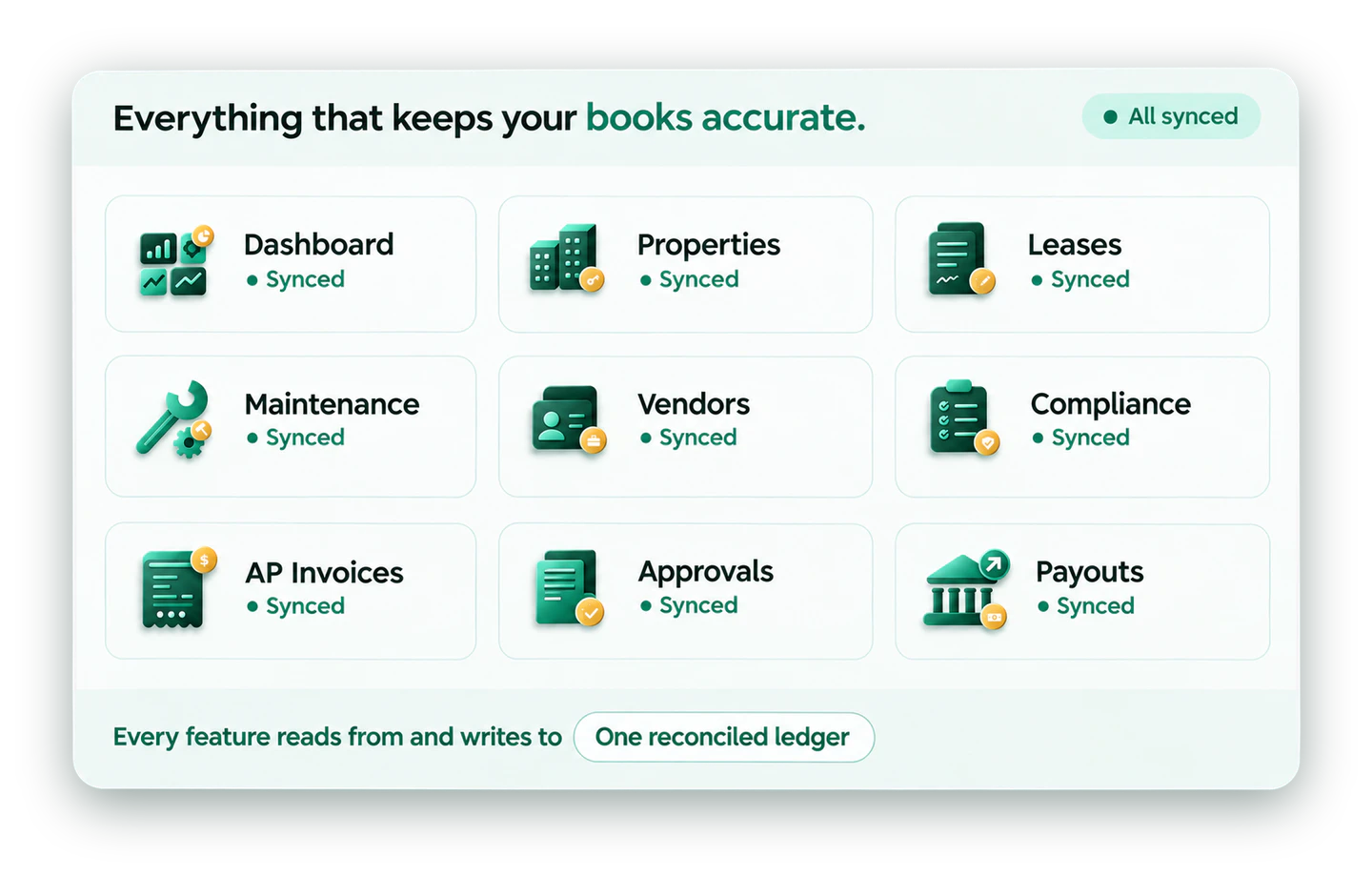
Everything an accountant needs to keep their books accurate.
Nine connected capabilities — not nine separate tools. Every feature below reads from and writes to the same ledger.
Platform Overview
One platform for the whole property business.
Most teams run rent in one tool, invoices in another and owner reports in a spreadsheet. PropLedger brings operations and accounting into a single system, so every lease, invoice and payment lands in the same reconciled ledger.
- Operations and accounting share one source of truth
- AI handles matching, coding and extraction
- Your team approves; nothing is booked blindly
- Owners get statements straight from the books
Operations
Run properties, leases, maintenance, vendors and compliance.
Accounting
From vendor invoice to owner payout, all reconciled.
Library
Standard documents your team can reuse.
Workspace
Control who sees and approves what.
Operations
Run every property from one place.
Six modules cover the day-to-day of a property business, each linked to the ledger.

Dashboard
One live view of the whole portfolio.
- Occupancy, rent and arrears at a glance
- Tasks and approvals waiting on you
- Drill from any number to its source

Properties
Every property, unit and owner in one record.
- Units, status and owner per property
- Multi-property and multi-owner ready
- Financials roll up by property

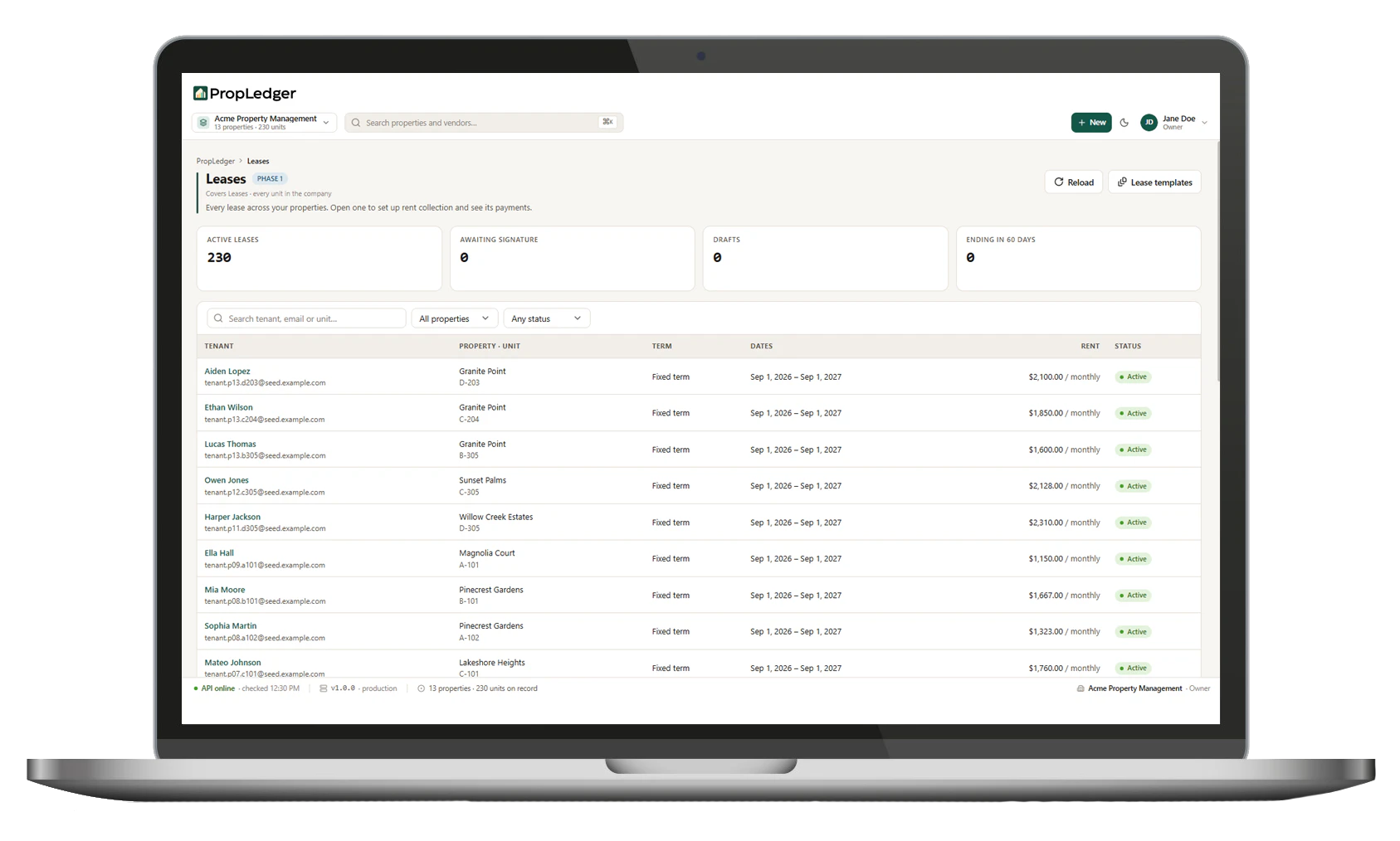
Leases
Lease terms live with the tenant and the ledger.
- Key dates, rent and terms extracted by AI
- Renewal and expiry visibility
- Balance and lease side by side

Maintenance
Track requests from report to paid invoice.
- Requests linked to property and unit
- Vendor work tied to invoices
- Costs flow to the right GL account

Vendors
A clean vendor directory that feeds A/P.
- Vendor details and history in one place
- Invoices matched to the right vendor
- Payment status always visible

Compliance
Keep deadlines and documents from slipping.
- Track certificates and due dates
- Flag items that need attention
- Documents kept with the property
Accounting
A full accounting workflow, not just a rent ledger.
From the vendor invoice to the owner payout, every step posts to one reconciled ledger.

AP Invoices
Invoices read, coded and routed for approval.
- Vendor and amount extracted from the PDF
- Property and GL account suggested
- Exceptions flagged for review

Purchase Orders
Commit spend before the invoice arrives.
- Create and track POs by property
- Match invoices back to the PO
- Spot over-budget work early

Vendor Payments
Pay approved invoices with a clear trail.
- Payment status per invoice
- Posted to the ledger automatically
- Reconciled against the bank

Approvals
Right person, right threshold, no inbox chasing.
- Route by property, amount or vendor
- Approve from one queue
- Full history of who approved what
Payouts
Owner distributions calculated from the books.
- Net of fees and expenses
- Built from reconciled entries
- Flagged when owner sign-off is needed

Rent and Collections
Rent posts as it clears; past-dues get notices.
- Aging by days overdue
- Reminders before and after due dates
- Send collection notices in one click
AI built in
AI does the matching. People make the decisions.
Automation handles the repetitive work and leaves approval with your team.
Match
Payments and bank lines matched to leases, invoices and ledger entries.

Extract
Lease terms and invoice details read from documents, not retyped.
Code
Suggested property and GL account on every vendor invoice.
Flag
Only exceptions and sign-offs are raised for review.
Built for your market
Designed for how property businesses really operate.
Different portfolios feel different pain. PropLedger is shaped around each.
Pain: re-keying between tools
Property management firms
Invoices, rent and reconciliation run in one system, so the team reviews instead of retyping.
Pain: owner reports take days
Owners and investors
Statements come from the reconciled ledger, with a live portfolio view and sign-off only where needed.
Pain: complex structures
Multi-entity portfolios
Code by property and owner, route approvals by threshold and keep every entity separate.
Pain: audit questions
Finance and compliance teams
Every figure traces to a bank transaction, invoice or lease with approval history.
Pain: spreadsheets and bank tabs
Independent landlords
Rent tracking, simple A/P and reconciliation without an accounting department.
Pain: vendor sprawl
Maintenance-heavy portfolios
Work orders, POs, invoices and payments stay linked from request to paid bill.





Market View
How PropLedger compares
A general view of the approaches property businesses use today.
| Capability | Spreadsheets | Generic accounting | PropLedger | PropLedger advantage |
|---|---|---|---|---|
| Lease-aware rent posting | Manual | Needs setup | Built in | Automatic |
| Bank reconciliation | Manual ticking | Rules-based | Built in | AI matching |
| Invoice coding and approval | Manual | Partial | Built in | Coded and routed |
| Owner statements | Rebuilt monthly | Not typical | Built in | From the ledger |
| Property and owner structure | DIY | Workarounds | Built in | Native |
| Traceability to source | Limited | Partial | Built in | Every figure |
FAQs
Questions we hear most
Can't find your answer? Talk to us.
Which modules are included?
Operations covers Dashboard, Properties, Leases, Maintenance, Vendors and Compliance. Accounting covers AP Invoices, Purchase Orders, Vendor Payments, Approvals, Payouts and Rent and Collections — all writing to one ledger.
Do I have to use every module?
No. PropLedger is priced around the workflows you need — reconciliation, AP, AR, owner reporting, or all of them together.
How does AI fit in?
AI matches payments and bank lines, suggests property and GL coding on invoices, extracts lease and invoice terms, and flags exceptions. Approval stays with your team.
Can owners and managers see different things?
Yes. Workspace controls who sees and approves what, and owners get a live portfolio view with sign-off only where needed.
Does it support multiple properties and owners?
Yes — it is multi-property and multi-owner ready, financials roll up by property and approvals can be routed by threshold.
How do I see it on my own data?
Request a demo and we'll walk through operations, accounting and owner reporting using your portfolio's real structure.
See every feature on your own properties.
We'll walk through operations, accounting and owner reporting in a live demo.
Request a Demo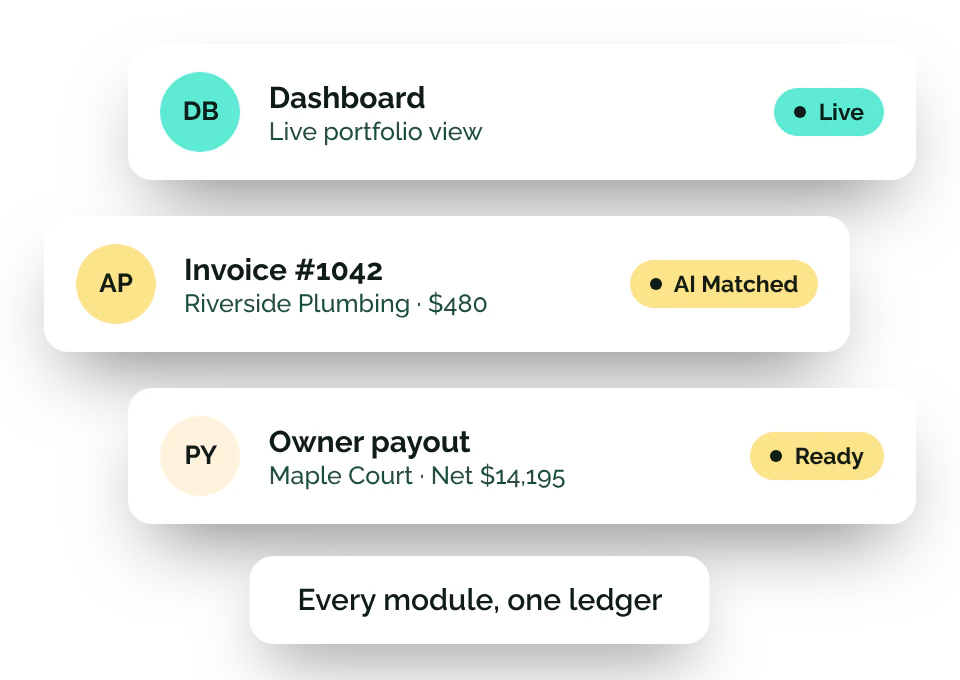

'%3e%3cpath%20id='Vector'%20fill-rule='evenodd'%20clip-rule='evenodd'%20d='M34.4047%202.1654C31.587%200.538562%2027.804%200.538563%2020.238%200.538563C12.6721%200.538563%208.88914%200.538562%206.07137%202.1654C4.22541%203.23115%202.69254%204.76405%201.62678%206.60998C-5.81287e-05%209.42775%20-5.81287e-05%2013.2107%20-5.81287e-05%2020.7766C-5.81287e-05%2028.3426%20-5.81287e-05%2032.1255%201.62678%2034.9433C2.69254%2036.7892%204.22541%2038.3222%206.07137%2039.388C8.88914%2041.0147%2012.6721%2041.0147%2020.238%2041.0147C27.804%2041.0147%2031.587%2041.0147%2034.4047%2039.388C36.2506%2038.3222%2037.7835%2036.7892%2038.8494%2034.9433C40.4761%2032.1255%2040.4761%2028.3426%2040.4761%2020.7766C40.4761%2013.2107%2040.4761%209.42775%2038.8494%206.60998C37.7835%204.76405%2036.2506%203.23115%2034.4047%202.1654ZM13.2161%2025.8975C12.6233%2026.4902%2011.6623%2026.4902%2011.0695%2025.8975C10.4768%2025.3049%2010.4768%2024.3438%2011.0695%2023.751L19.1647%2015.6557C19.7575%2015.063%2020.7185%2015.063%2021.3113%2015.6557L29.4065%2023.751C29.9993%2024.3438%2029.9993%2025.3049%2029.4065%2025.8975C28.8137%2026.4902%2027.8528%2026.4902%2027.26%2025.8975L20.238%2018.8756L13.2161%2025.8975Z'%20fill='%23164E3F'/%3e%3c/g%3e%3cdefs%3e%3cclipPath%20id='clip0_0_250'%3e%3crect%20width='40.4762'%20height='42.5'%20fill='white'/%3e%3c/clipPath%3e%3c/defs%3e%3c/svg%3e)